Creating new database |
  
|
Creating new database |
|
This section is for administrative reference only.
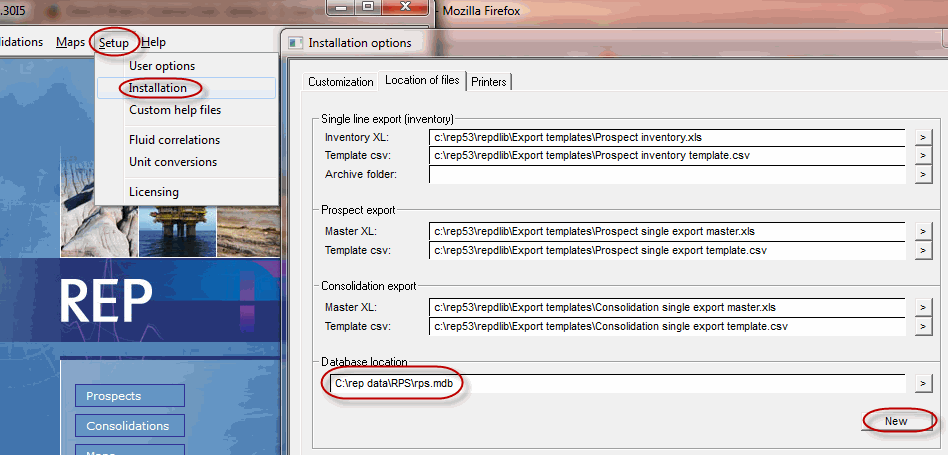
To create a fresh database select "Setup-->Installation" and click the "new" button at the bottom of the "Location of Files" tab:
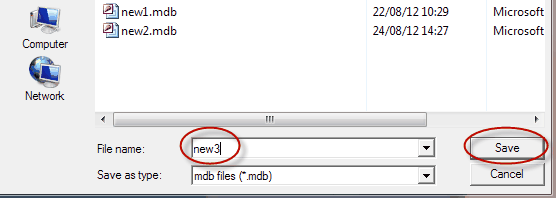
A file browser will open, type the name of the new database file, and click "Save":
You will be presented with a Login screen, which allows the creation of an "administrator level" user login and password:
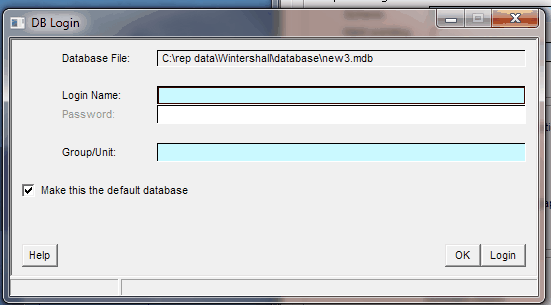
At this point, fill in the details and click "Login". But for Windows7, you may have to click OK, then close and restart REP and follow the next steps:
1 Select File-->Prospect database
2 login using "admin" (password is "admin")
3 Select the "Add users" option from the LH panel menu
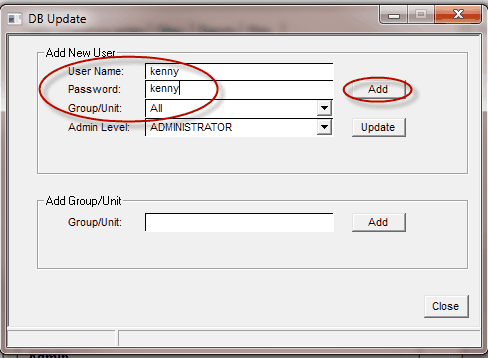
4 Fill in the details for the primary user and click the "Add" button: