Custom Help Files |
  
|
Custom Help Files |
|
Companies have different policies regarding prospect evaluation and risking, therefore each REP installation can have associated help files, custom help files, accessed by the program.
REP recognises preset categories of help. You can also write an index, which should have links to the main files.
Implementing custom help files is a two step process:
1.Write the files and save them in HTML. You can save them anywhere on your machine or network. You can write the help in other formats as long as the file extension is recognised by the operating system.
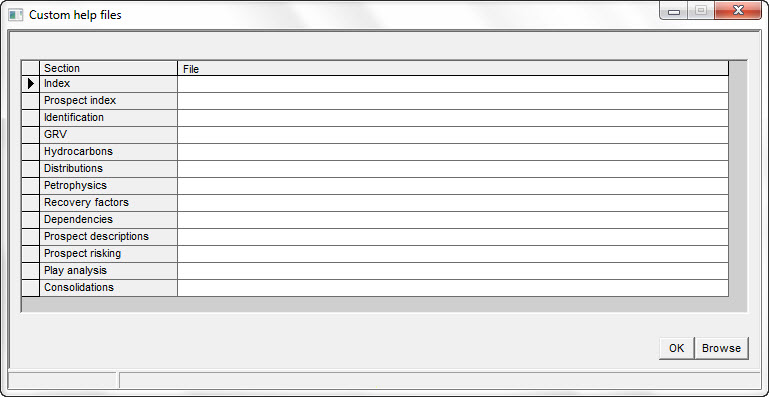
2.Enter the file names for each category in the Setup | Custom help files menu item.
You do not need to write files for each category. If a category file is not defined then no custom help button is shown on the associated dialog.
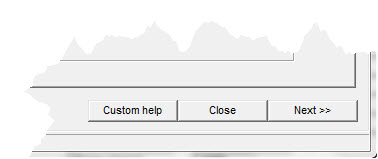
The REP user will see a [Custom help] button on the appropriate dialog if a custom help file exists. There is also a menu item Help | Custom help on the main window Help drop-down which will present the index.