Consolidated Production Profiles |
  
|
Consolidated Production Profiles |
|
To make production profiles, you need to have a decision tree on the screen, and it needs to be showing outcomes. If your decision tree is not showing outcomes click the  or
or  icon on the decision tree dialog.
Production profiles are associated with each outcome, and are calculated by summing the individual production profiles of the successful prospects in that outcome. The mean reserve is used as the basis for the profile, and the profile parameters are set up in the individual prospect definitions.
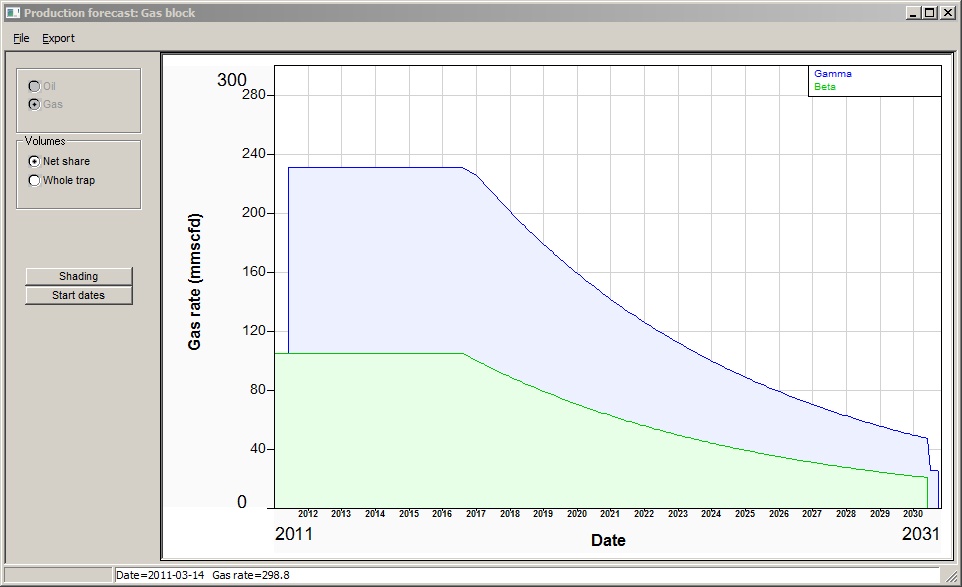
The control dialog options are:
Menu items |
|
File |
Print, exit |
Export |
Export the production data to a csv file. You can immediately open it up in an XL spreadsheet. |
|
|
Dialog items |
|
Oil, gas |
Profiles can be drawn for either oil or gas. Where there is oil only or gas only, these options are greyed. |
Volumes |
Show either net share or whole trap |
Shading |
Sets the shading colours for the profiles |
Start dates |
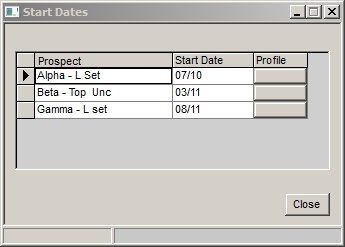
Shows a table of the prospects, and you can enter or change the start dates (start dates are a property of the underlying prospect definition). If you click the "profile" button for a prospect, you can edit the profile parameters. Remember to save the prospect if you want to keep your changes.
|
|
|
|
|