Units |
  
|
Units |
|
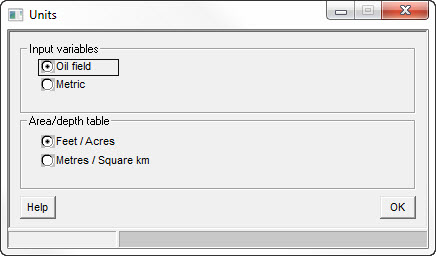
In this dialog choose the basic units system unit in which you would like the prospect data to be entered.
You may choose either metric or oil-field units. You have the choice to have one set for normal parameter entry and another for area/depth entry (i.e. the map).
This works only to set defaults. You can change the unit of every parameter individually, when you enter it. And having entered the data, you can change its unit converting or not the values.
The units for results reporting are separate and can be changed at any time: you do this by clicking the required unit on the prospect summary screen.