Prospect description |
  
|
Prospect description |
|
Prospect Description consists of a single dialog with a number of tabs in which you can describe the geological make-up of the prospect. Each tab corresponds to a different element of the prospect.
The purpose of the screen is to provide a descriptive basis for the 'Prospect Risking'. None of the entries are used quantitatively in the calculations.
Not everybody enters the data in this section, but it is strongly recommended that you do. It helps with the risking, allows a more thorough database for future reference, and is useful for colleagues both present and future. It's quite quick, and mostly it's choices from a drop-down lists.
The tabs are:
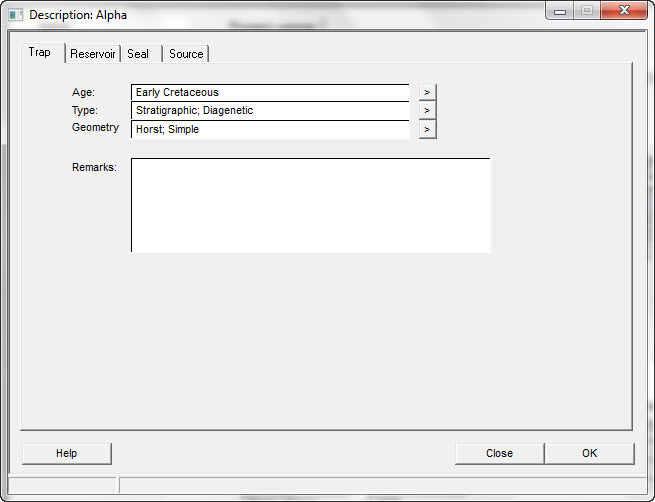
Trap information can be entered manually or you can click on the [>] button and choose from the lists provided:
Age 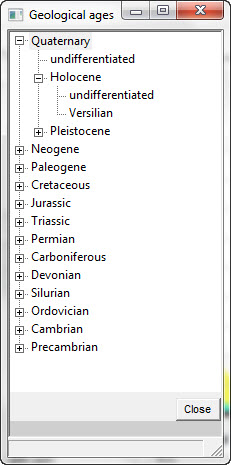
Type 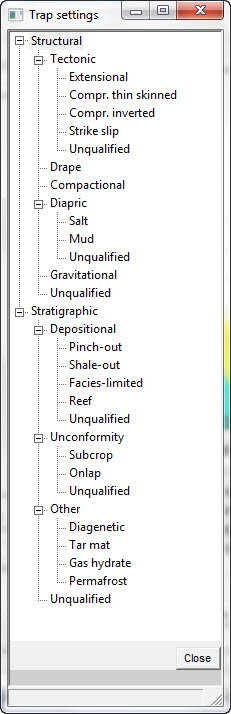
Geometry
Age |
Enter the trap age |
Type |
Enter the trap type |
Geometry |
Enter the trap geometry |
Remarks |
Enter any comments regarding the trap |
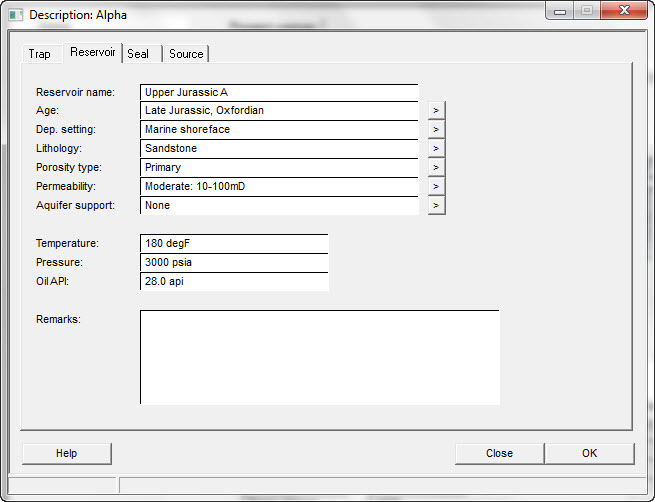
Reservoir information can be entered manually or for some fields you can click on the [>] button and choose from the lists provided:
Age
Dep. Setting 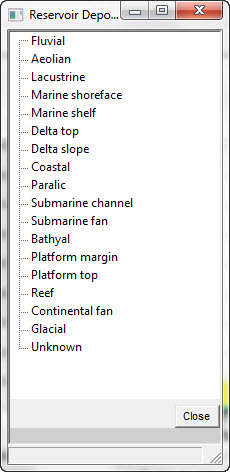
Lithology 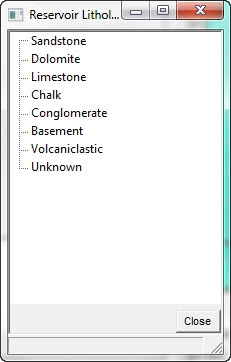
Porosity Type 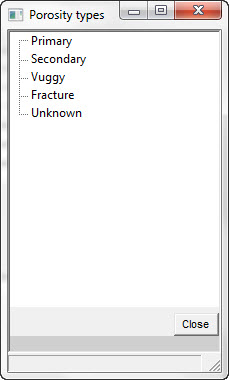
Permeability 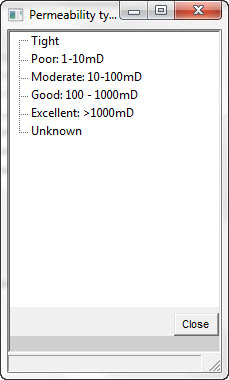
Aquifer Support 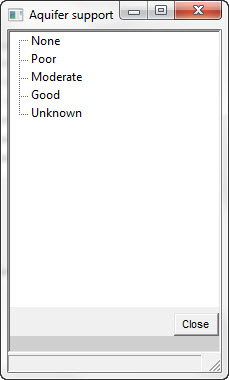
Reservoir name |
Enter the reservoir name |
Age |
Enter the reservoir age |
Dep. setting |
Enter the reservoir depositional setting |
Lithology |
Enter the reservoir lithology |
Porosity type |
Enter the reservoir porosity type |
Permeability |
Enter the reservoir permeability |
Aquifer support |
Enter the reservoir aquifer support |
Temperature |
Enter the estimated reservoir temperature |
Pressure |
Enter the estimated reservoir pressure |
Oil API |
Enter the estimated oil gravity |
Remarks |
Enter any comments regarding the reservoir |
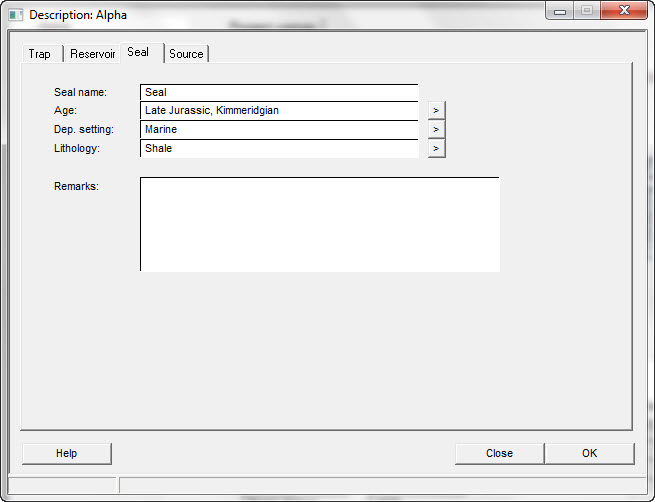
Seal information can be entered manually or for some fields you can click on the [>] button and choose from the lists provided:
Age
Dep. Setting 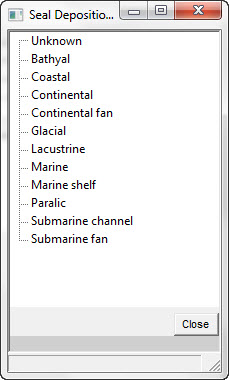
Lithology 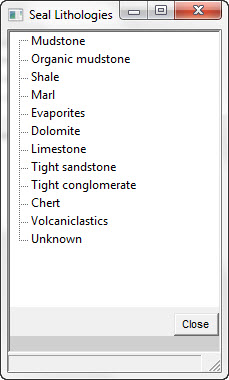
Seal name |
Enter the seal name |
Age |
Enter the seal age |
Dep. setting |
Enter the seal depositional setting |
Lithology |
Enter the seal lithology |
Remarks |
Enter any comments regarding the seal |
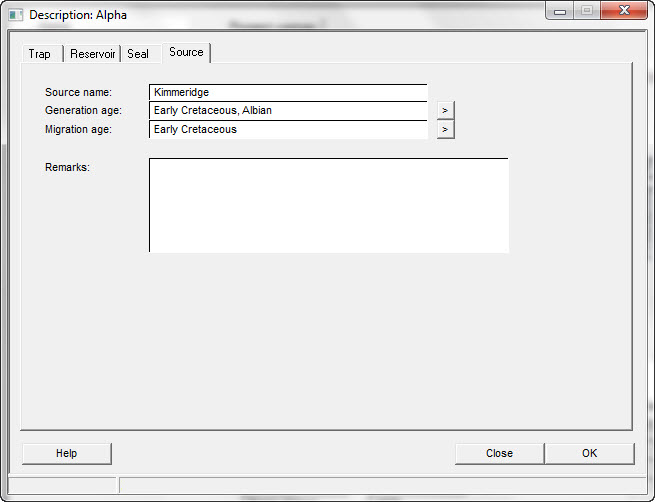
Source information can be entered manually or for some fields you can click on the [>] button and choose from the lists provided:
Generation Age
Migration Age
Source name |
Enter the source name |
Generation age |
Enter the generation age |
Migration age |
Enter the migration age |
Remarks |
Enter any comments regarding the source |