Input data summary |
  
|
Input data summary |
|
This dialog consists of a single screen with a number of tabs. It allows you to edit all the input parameters.
The tabs are:
GRV Model (see Gross Rock Volume Entry)
Hydrocarbons (see Hydrocarbons)
Fluids: Options (see Fluids: Options)
In the Active Variables tab you see all the active variables, and a summary of their distributions, if entered. The final column is titled "Edit", and if you click this you can edit (or enter, if the variable is not yet specified) the distribution properties.
You can change the prospect model using the other tabs (change GRV entry, hydrocarbon type, etc). When you change the model, the active variables are altered to reflect those variables required for the chosen model combinations.
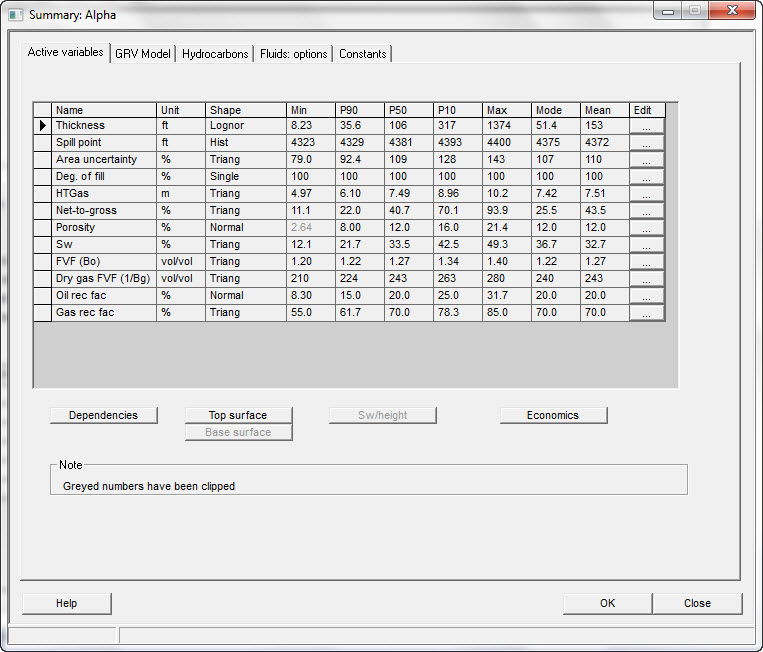
Edit |
Click to view/edit the distribution |
Dependencies |
Click to enter/edit variable dependencies |
Top surface |
Click to see the top surface contours |
Base surface |
Click to see the base surface |
Sw/height |
Click to see the Sw/height curve |
Economics |
Click to enter/edit economic parameters |
How to display the key points on a clipped distribution: If unchecked, it's the effective distribution once the clip has been applied. If checked it's the P90/P50/P10 etc. as the distribution is entered, and before the clip is applied. The default is set in "Setup | Installation" |
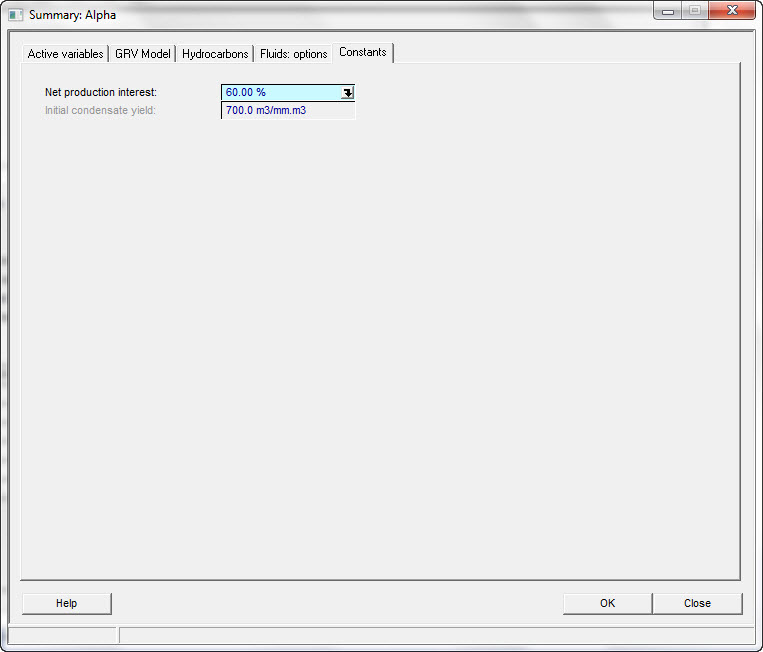
Net production interest |
Edit your net interest in revenue from this field/prospect. This is the company share. |
Initial condensate yield |
Enter the initial condensate yield: this is used to calculate an "condensate-in-place" value for gas condensate reservoirs. There is no "condensate-in-place" in a gas condensate reservoir, it is a gas - or perhaps undifferentiated. Therefore we apologise. |